| | Don't let checked luggage get lost | | by Summer Hull, Senior Director of Content | | 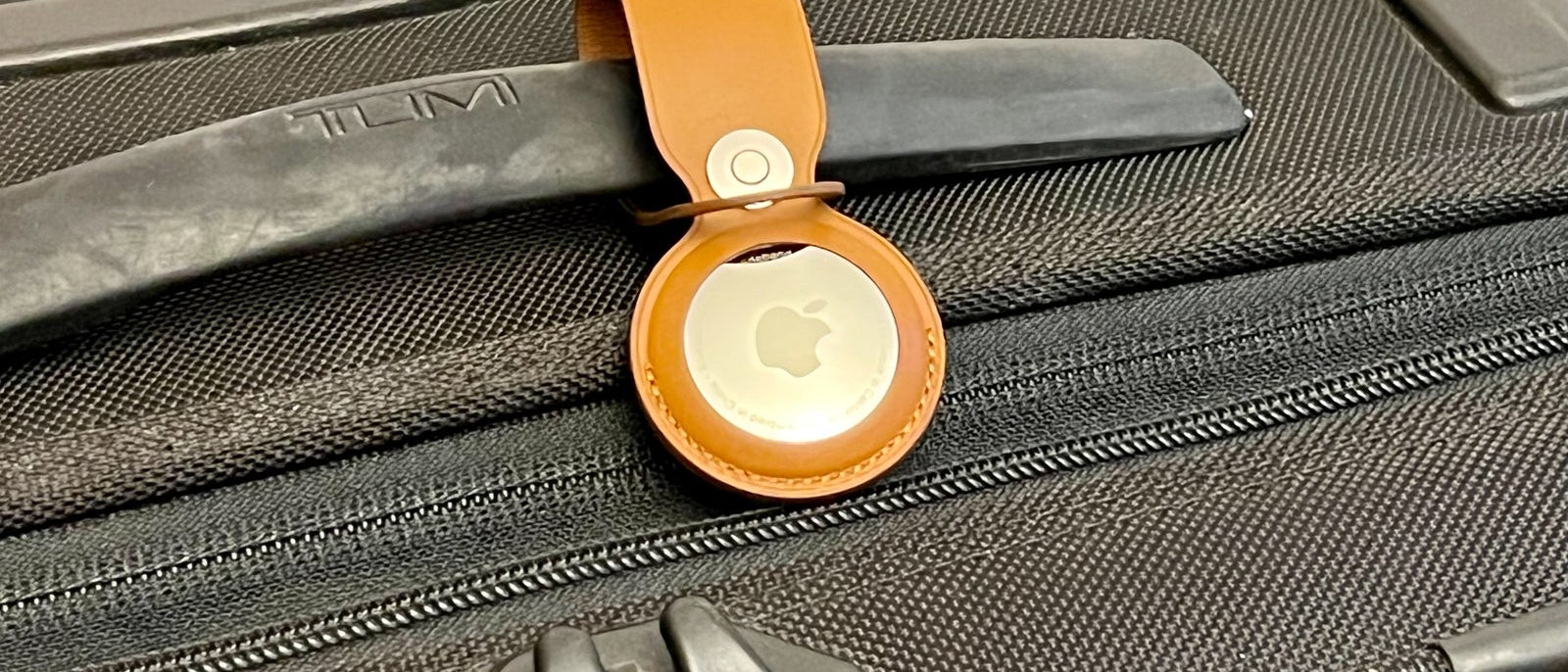 | If you've been around this newsletter for any length of time, you've seen us sing the praises of Apple AirTags when it comes to tipping the scales very much in your favor if you check bags.
For a pretty minimal price of about $20 per AirTag (if you buy a four-pack at the current price), you can have not only peace of mind, but also an actual trackable location for your checked bags, at least most of the time.
To make that even better, many airlines now let you link your AirTag's Share Item Location feature to their systems in the event a checked bag goes off on a vacation of its own in order to increase the odds it's located and safely returned.
I try to practice what I preach and have a slew of AirTags for my checked and carry-on luggage — and that's totally saved me before.
But on a recent ski trip, I realized too late that the AirTag in my checked skis had a dead battery. I hadn't needed that one in a year, and in that time, it died.
Naturally, that's precisely the piece of luggage that went missing on our flight home.
After a day or so on its own journey, my bag made it home via the airline's baggage claim process. But I sure felt like a dummy with a nonfunctioning AirTag in that bag while it was missing.
However, there's good news: You can replace the batteries in your AirTags, and you can check the battery life to avoid a similar situation to mine.
Here's how to do just that.
And of course, if you haven't hopped on the AirTag train yet with your luggage, here are some basics to know — and a link to get your own four-pack so you'll have eyes on your bags even when the airlines don't.
| | | Posts in this newsletter contains references to products from one or more of our advertisers. We may receive compensation when you click on links to those products, and this may impact how or where they appear. For an explanation of our Advertising Policy, visit this page. | | Photo Credit: ZACH GRIFF/THE POINTS GUY. | | | |